Enable Auto-Capture
Enable Auto-Capture to capture winner usernames faster. During the beta workflow, users still press Capture, but no longer need to double-click winner names.
SwiftSale helps Whatnot sellers process orders, assign bins, and get shipments out the door faster — now with opt-in Auto-Capture in Version 5.
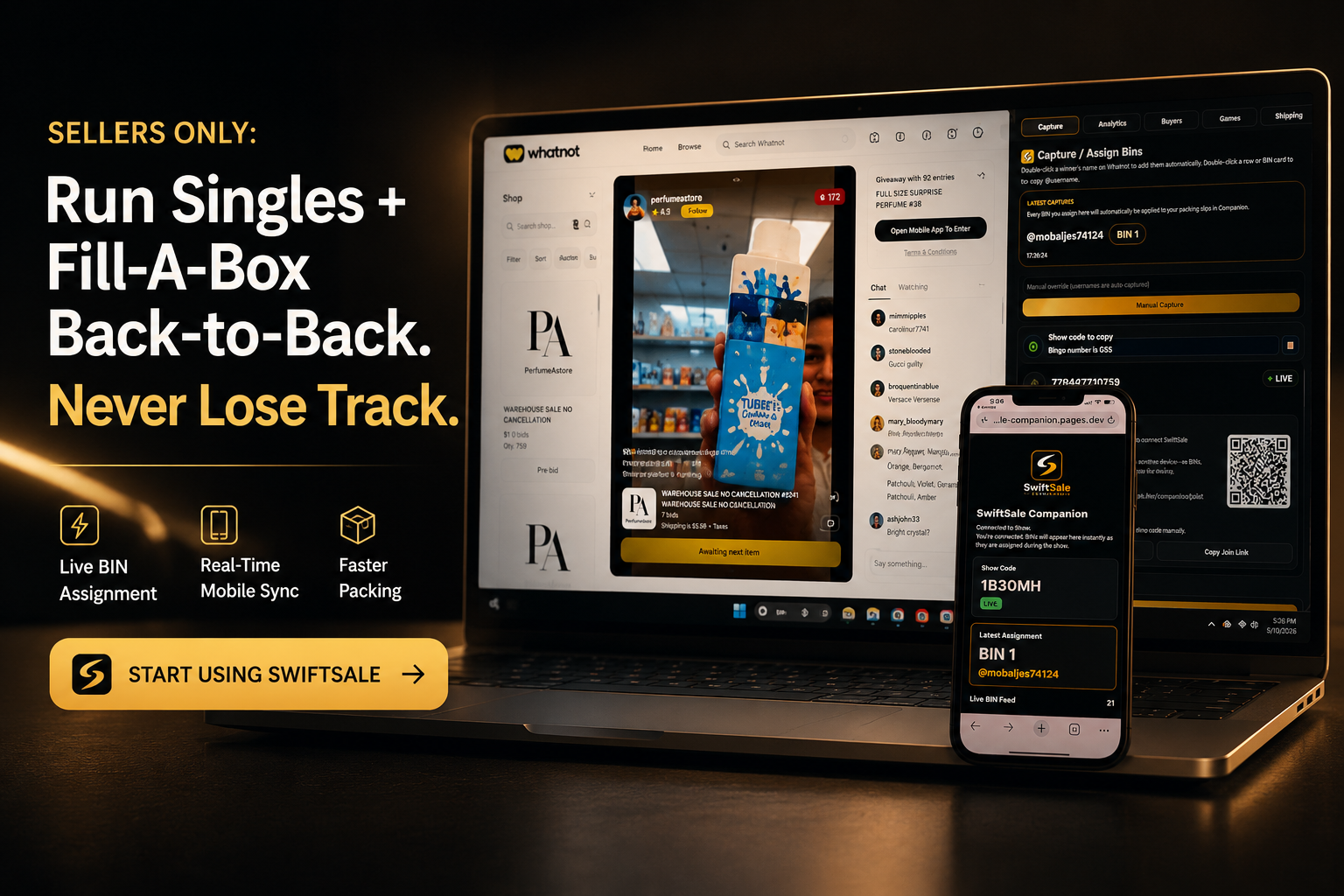
Watch how SwiftSale helps Whatnot sellers capture winners, assign BINs, annotate labels, and move from show to fulfillment faster before you download.
Version 5 adds Auto-Capture to support the bigger workflow: processing Whatnot orders faster and keeping packing more organized.
Enable Auto-Capture to capture winner usernames faster. During the beta workflow, users still press Capture, but no longer need to double-click winner names.
Once Auto-Capture is enabled, captured usernames flow into SwiftSale so bin assignment can happen faster with less manual entry during live sales.
SwiftSale updates automatically the next time users open the app, so sellers can move onto V5 without manually rebuilding their setup.
SwiftSale V5 is currently being released as a beta for Auto-Capture. Auto-Capture must be turned on before using this feature. Once enabled, SwiftSale V5 helps capture winner usernames automatically so bin assignment can move faster.
SwiftSale keeps your Whatnot stream, BIN board, Companion view, and packing slips connected so orders move faster from sale to fulfillment.
In V5, turn on Auto-Capture first. Once enabled, SwiftSale helps detect the winner username automatically, then you press Capture to add the detected winner during the beta workflow.
Every buyer gets a clear location faster for sorting, packing, and post-show fulfillment.
A second screen or helper can see the latest assignment instantly.
Stamp the right BIN onto each Whatnot packing slip so fulfillment starts organized and shipments get out the door quicker.
SwiftSale turns Whatnot packing slips into a faster fulfillment workflow by matching each captured buyer to their assigned BIN and stamping it directly onto the right slip.
Before SwiftSale, sellers are handwriting BINs, manually checking buyer names, fighting packing confusion, and working through chaotic stacks of orders. With SwiftSale, upload your Whatnot packing slips, stamp matching BINs automatically, and pack with a cleaner system.
Turn chaotic post-show packing into a faster, more organized fulfillment workflow.
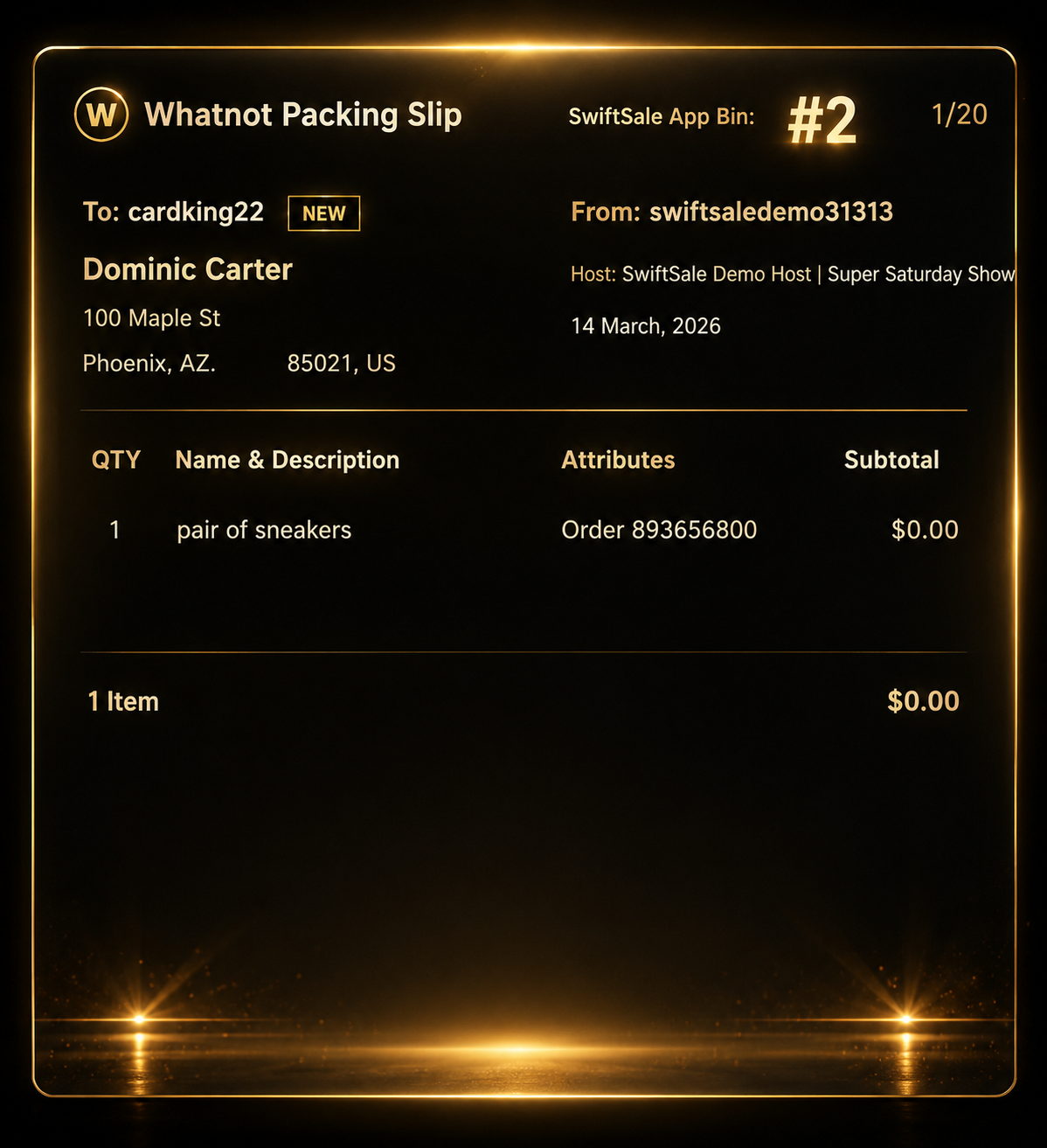
SwiftSale helps Whatnot live sellers turn compatible packing slip details from post-show fulfillment into organized mailing-list records for review, label printing, and future customer follow-up.
When Annotate Labels reads compatible Whatnot packing slips, SwiftSale can save buyer names, usernames, street addresses, city, state, and zip codes into a mailing list.
Open the mailing list table to review buyer records, check entries, select all when needed, refresh the list, and remove selected records before exporting.
Selected mailing-list entries can be exported into a printable mailing-label PDF, giving sellers a cleaner workflow for package inserts, promotions, and repeat-customer outreach.
SwiftSale Companion lets another device see live BIN assignments while your Whatnot show is running. Perfect for remote helpers, second screens, and Whatnot live sellers who want their phone to stay in sync during fast-paced streams.
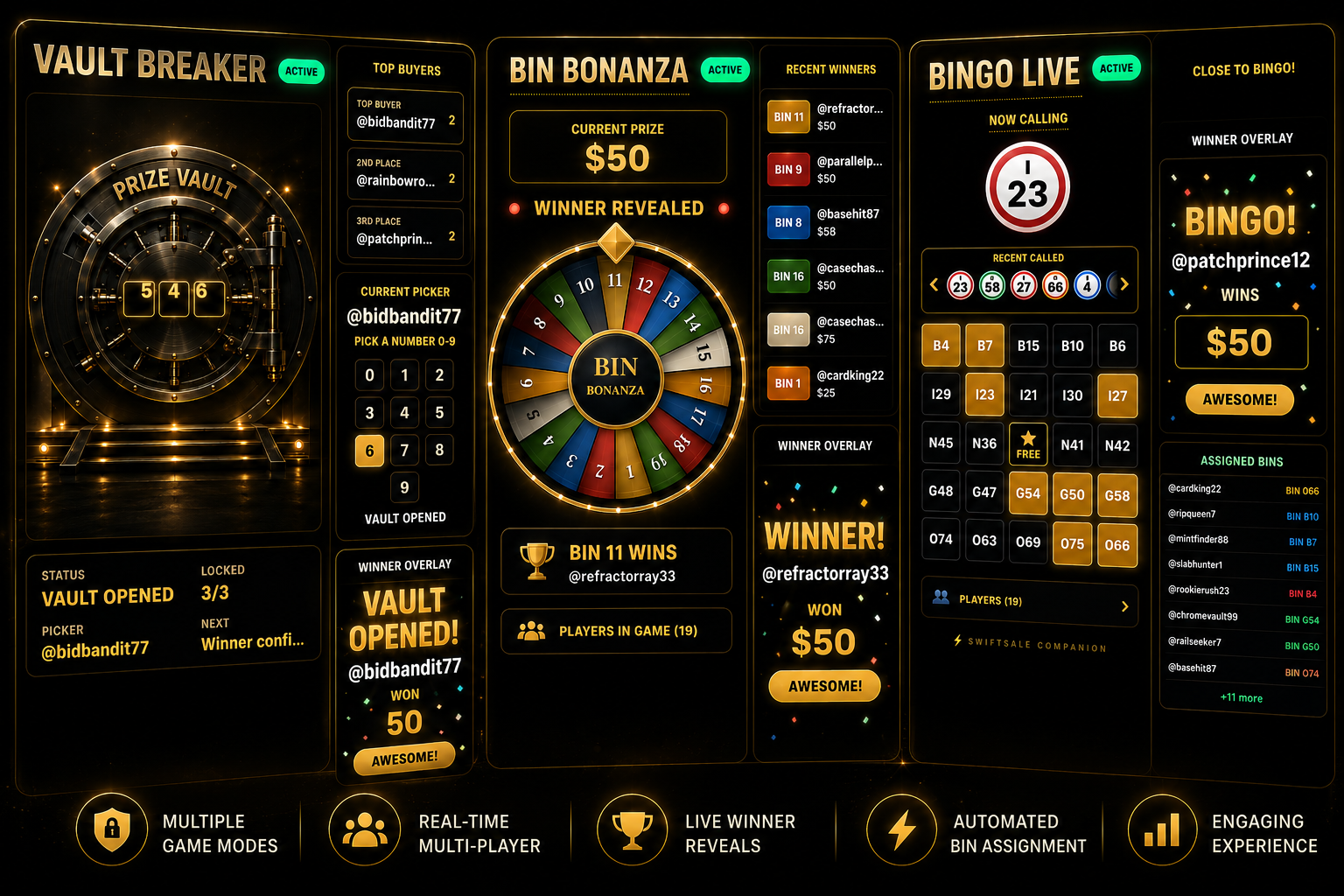
SwiftSale includes Whatnot seller-friendly bonus games that run after purchases are complete, giving your stream more energy without changing what buyers receive.
Every captured buyer can be assigned bingo numbers during the show. Call numbers, track the board, and reveal winners with a live second-screen display.
Each assigned BIN becomes a wheel entry. Set a prize, spin the wheel, and reveal a winning BIN for a fun post-sale bonus moment.
Top buyers get a vault-style number pick experience. Reveal digits, build suspense, and celebrate the winner with a cinematic overlay.
Games are optional post-sale bonus entertainment and do not affect what a buyer purchased or receives.
A command center for singles shows, fill-a-box workflows, faster bin assignment, post-show fulfillment, and second-screen coordination.
Enable Auto-Capture in V5 beta to capture winner usernames faster, then assign clear order locations without slowing the stream.
Keep repeat buyers and Whatnot show activity connected to each capture.
Review stream activity so you can understand what happened after a fast singles or fill-a-box show.
Run bonus engagement after purchases are complete without changing the purchase.
Stamp BIN details onto Whatnot packing slips and make post-show fulfillment easier to follow.
Share live BIN assignments with another device, helper, or second screen.
SwiftSale turns post-show busy work into selling time by automating winner capture, BIN assignment, label annotation, giveaway handling, and mailing list collection.
Many sellers can reduce post-show processing by approximately 2–4 hours per show, depending on show size and workflow.
SwiftSale V5 helps sellers reduce manual work, assign bins faster, and move orders through packing and shipping with fewer mistakes.
Windows or your browser may show an extra security confirmation because SwiftSale is developed by a small independent software company and is not yet code-signed.